for music creators on YouTube · Instagram · TikTok
Your VideoTabs, instantly.
In your style.
Upload a Guitar Pro, MuseScore or MusicXML file. Pick the track, colors and format. Export your VideoTab for YouTube, Reels and TikTok in under a minute.
10 minutes free. No card required.
Upload a file
Choose the view
sheet only, tab only, or both: you decide
Choose the format
horizontal or vertical
Choose your colors
background, notes and bar
Get your VideoTab
For every instrument.
Guitar, bass, drums, vocals and melody:
choose the track to transform and customize it separately.

Guitars
Tablature, Treble clef

Basses
Tablature, Bass clef
Drums
Percussion notation
Vocals & Melodies
Sheet music
Match your style.
Customize background, notes, tablature and indicators to keep your channel's identity consistent.
Pick your colors and save your style
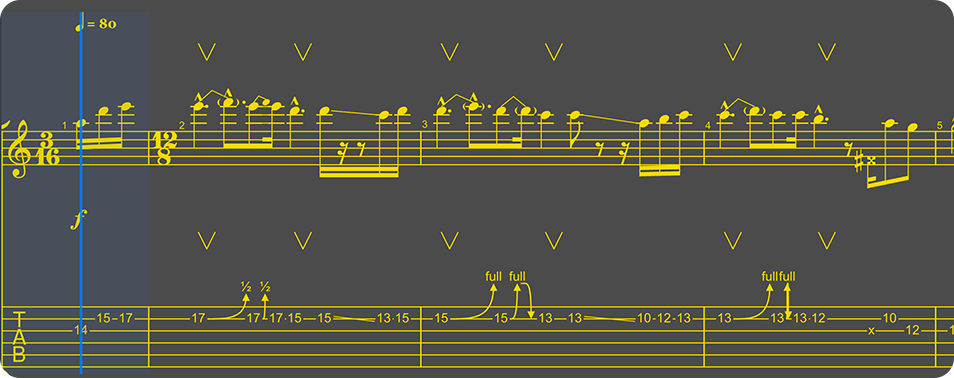
Size · Bars in viewMedium
Five steps. One minute.
/ the flow- 01
Upload the file
Guitar Pro (.gp3–.gp5, .gpx, .gp) or MusicXML (.musicxml, .mxl), up to 20 MB. Just drag and drop.
- 02
Choose the instrument
See tracks, tuning and BPM. Pick the one to show: one track, one video.
- 03
Set your colors
Notes, background and beat bar. Live preview, save your favorite sets.
- 04
Choose the format
16:9 for YouTube or 9:16 for verticals. The strip adapts on its own.
- 05
Generate and download
A synced MP4, ready to overlay. No manual note-by-note editing.
Add just
the tab to your video.
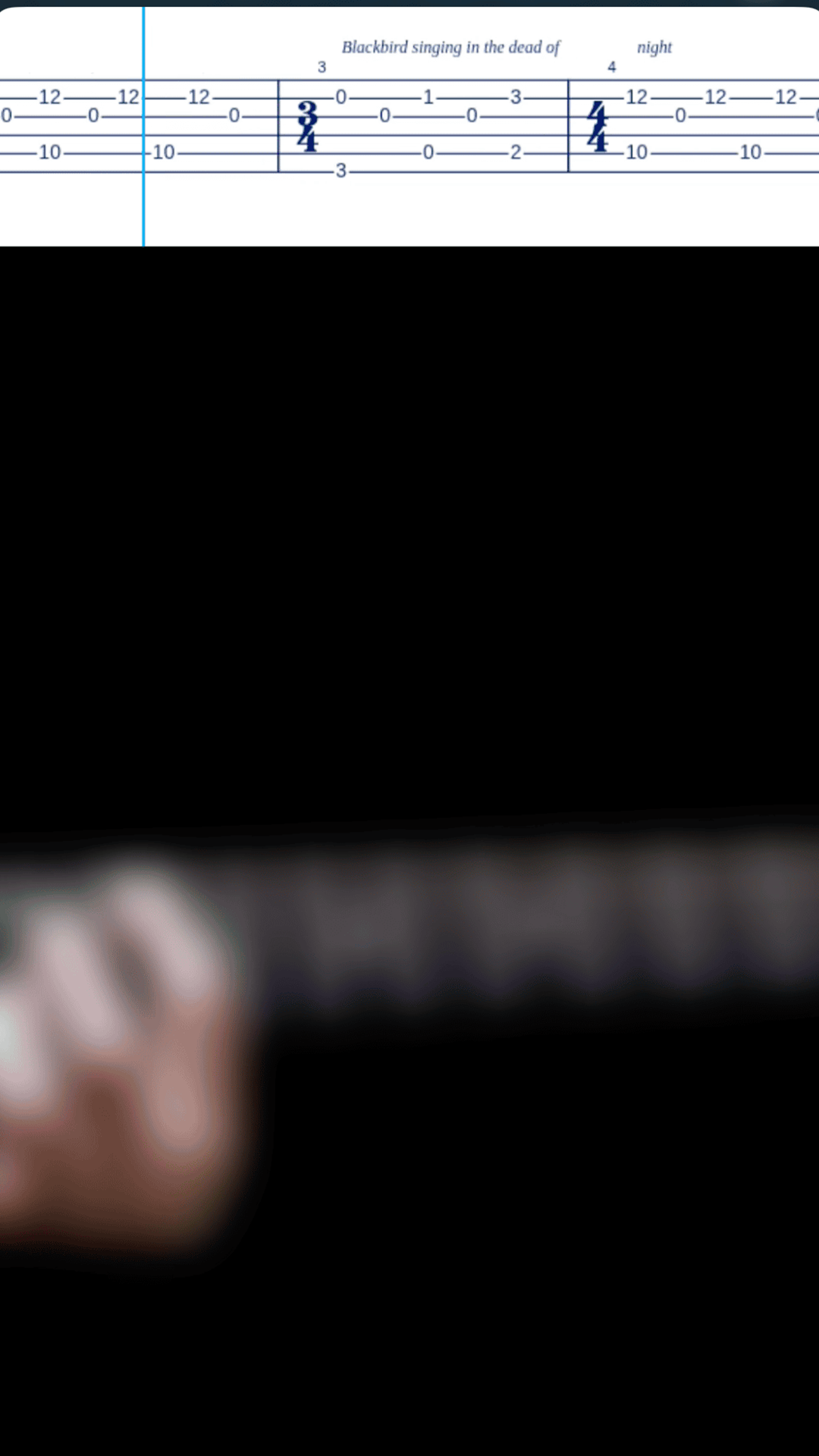
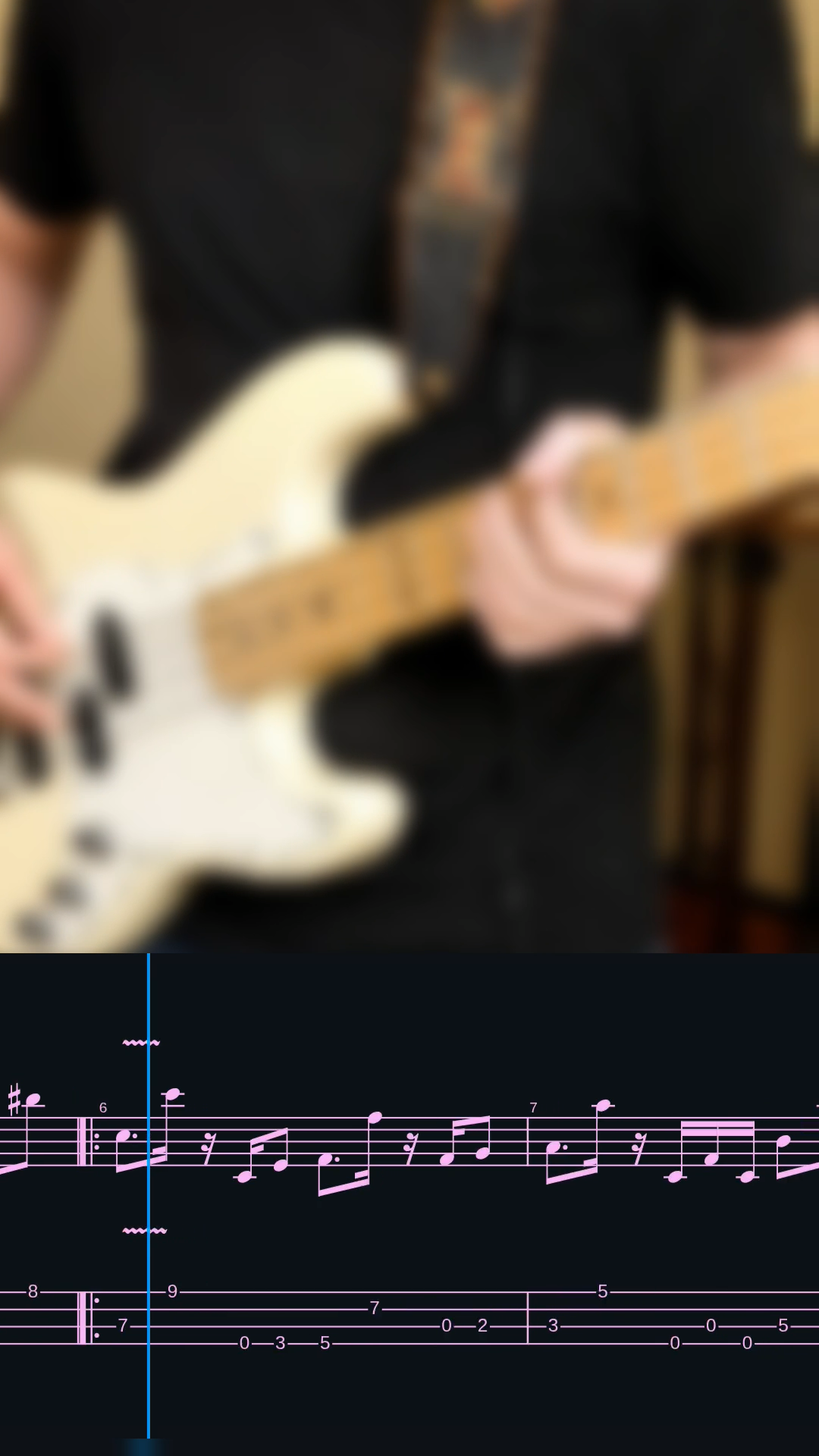
Export the tablature strip and overlay it on your performances, lessons or playthroughs: no titles, no boxes. Import it into your editor and place it wherever you want. Your performance stays in the spotlight, with an extra touch and zero hassle.
- MP4 H.264 + AAC audio at 30 fps, ready for any editor
- 16:9 for YouTube, 9:16 for Shorts, Reels and TikTok
- Customizable colors for notes, background and beat bar
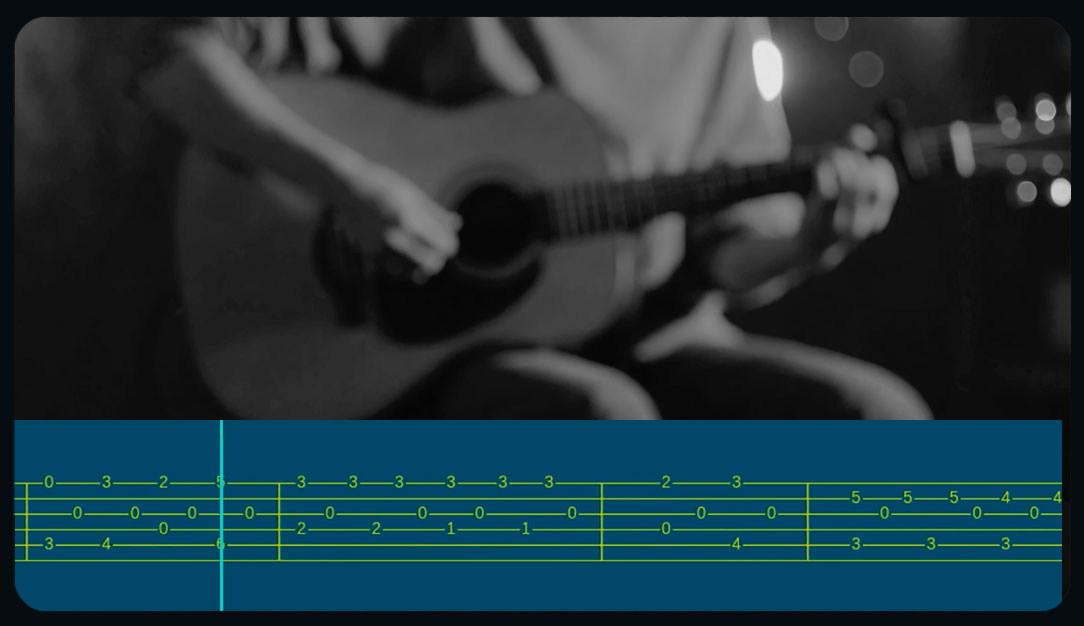
Examples
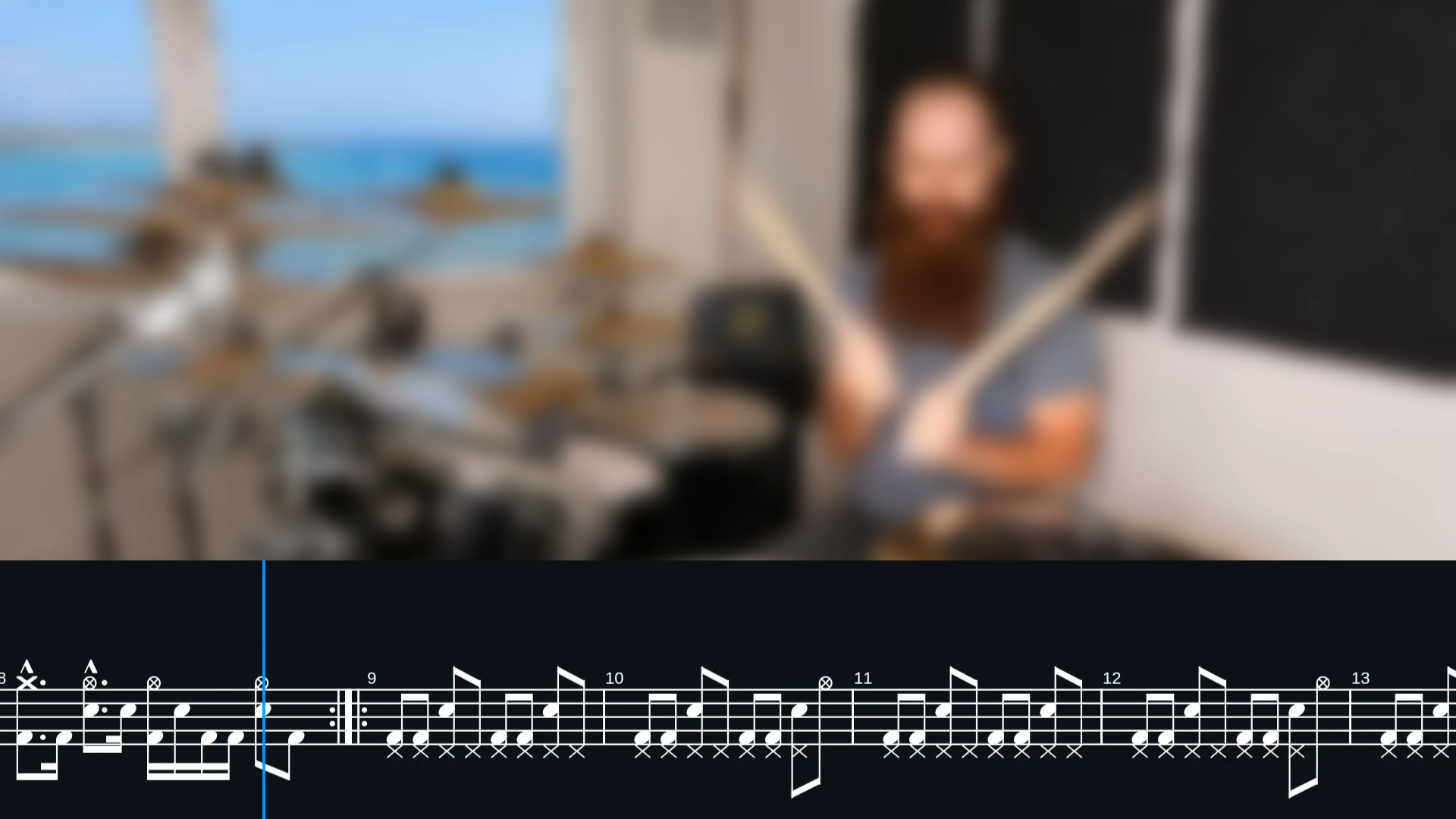
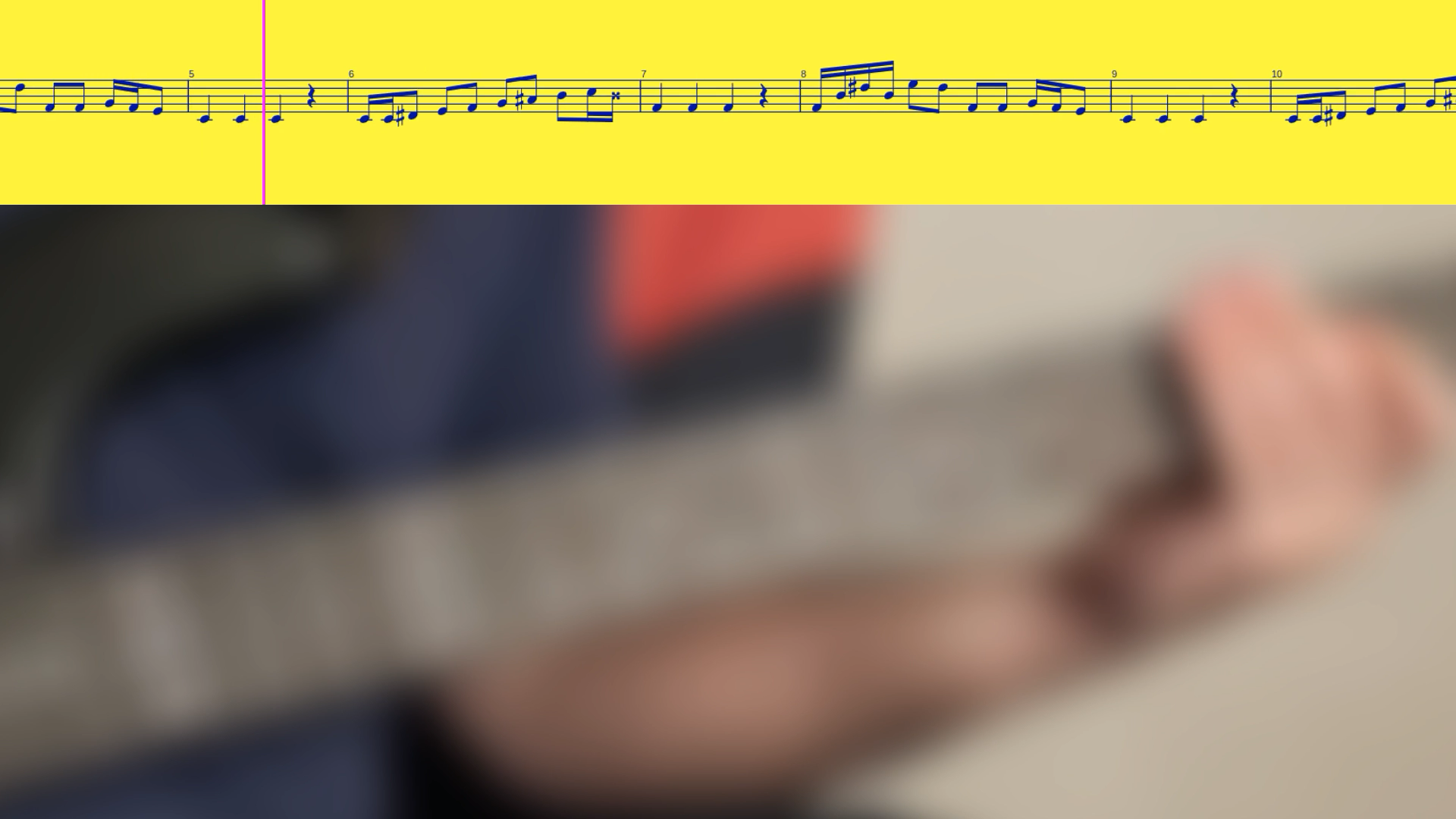
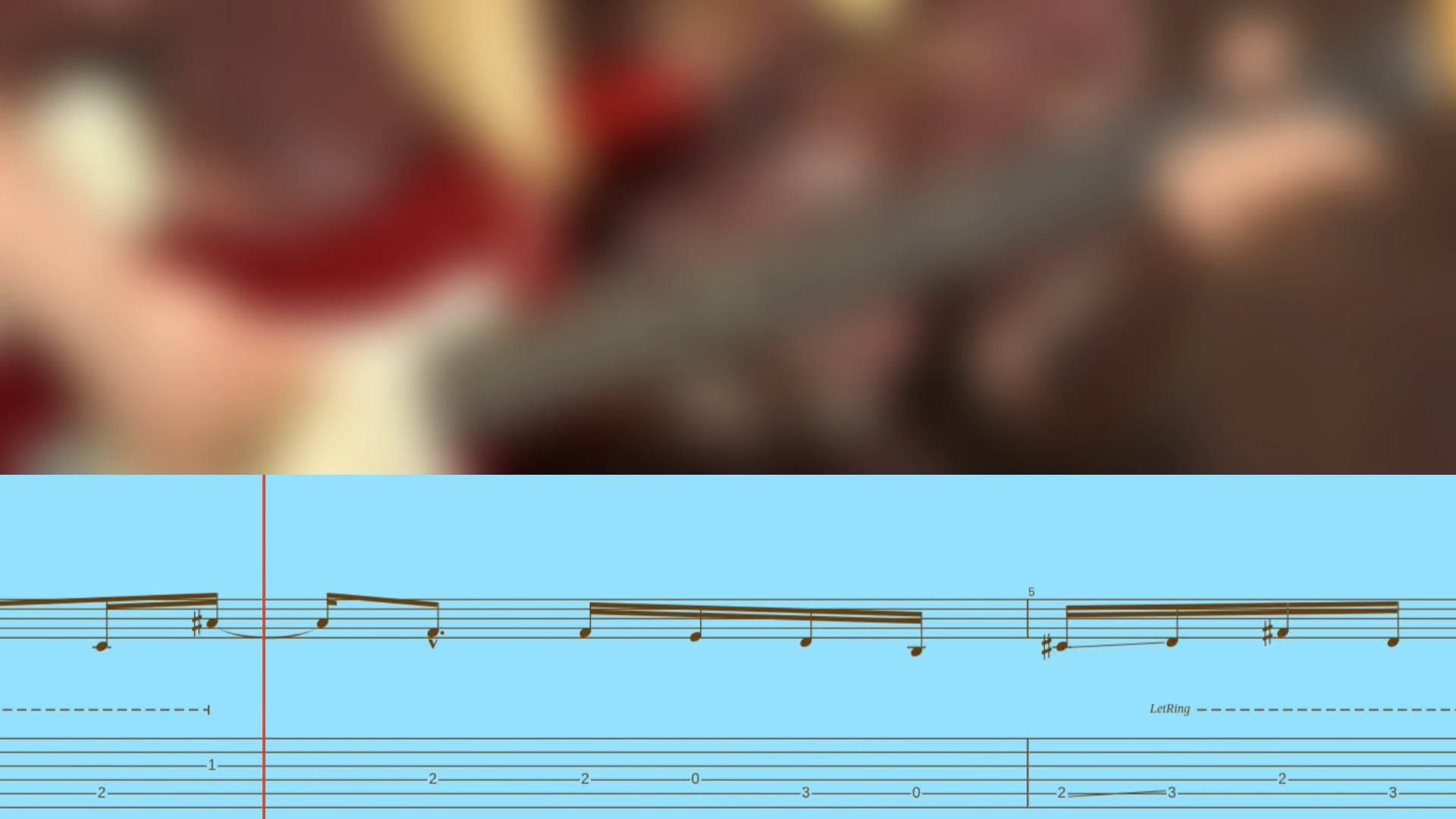
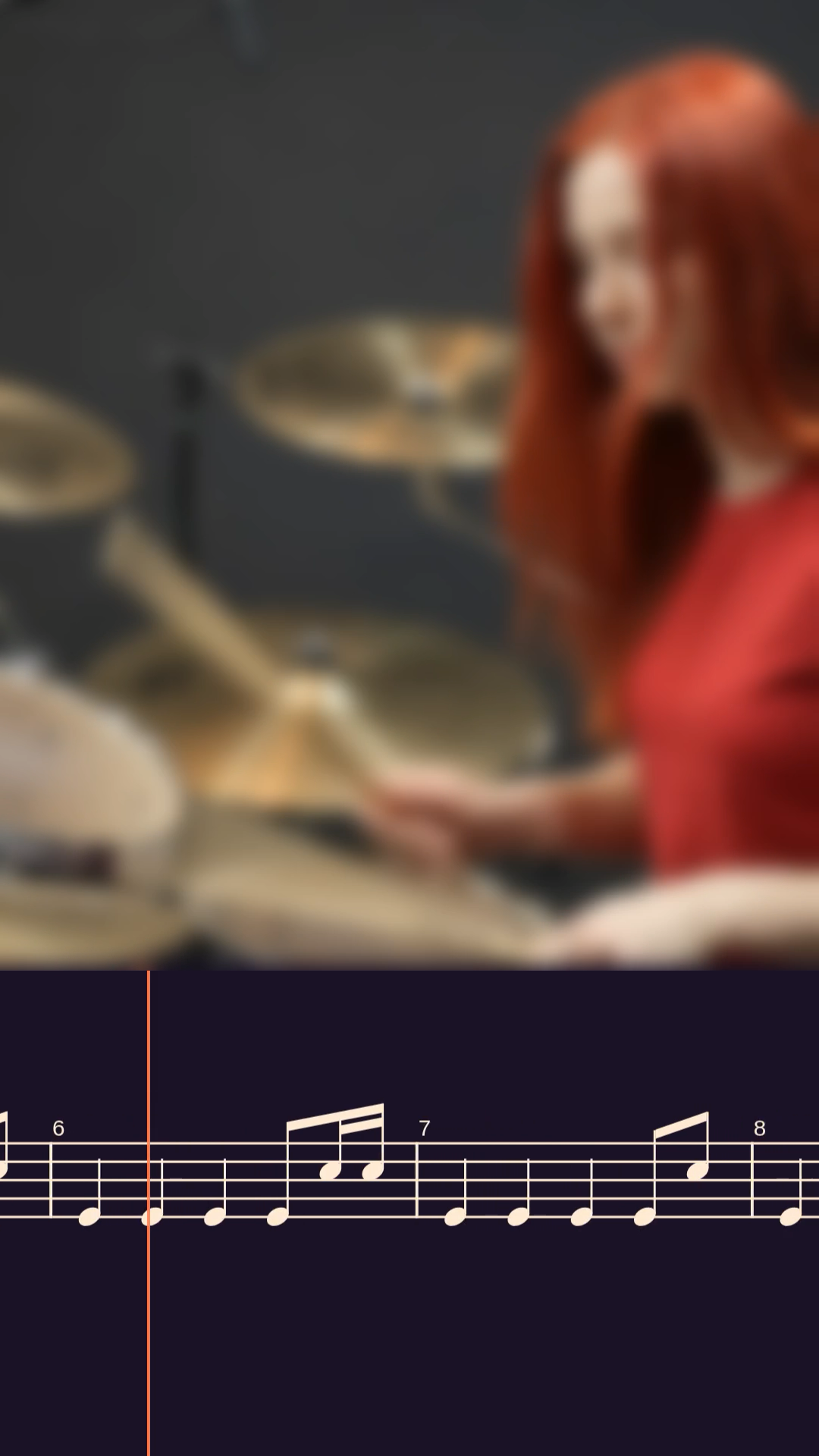
/ in actionA few example VideoTabs, in desktop (16:9) and mobile (9:16) format.
Honest pricing.
/ choose your planThe free plan is truly free: 10 minutes of video to try the service with your favorite songs, no credit card needed. Go Pro when you need unlimited minutes.
Free Trial
- 10 minutes of free VideoTab
- Minutes that never expire
- 16:9 and 9:16
- All input formats
- Custom colors
- Saved styles, up to 12
- With watermark
Pro monthly
≈ $5.50 · charged in EUR
- No watermark
- Unlimited VideoTab length
- Bar range selection
- Saved styles, up to 12
- Your logo on the video
- Priority rendering queue
- 16:9 and 9:16
- Customizable colors
- Email support
Pro yearly
≈ $54.00 · charged in EUR
- No watermark
- Everything in Pro monthly
- Save 17%
- Unlimited VideoTab length
- Bar range selection
- Saved styles, up to 12
- Your logo on the video
- Priority queue
- Priority email support
Frequently asked questions.
/ faqWhich files can I upload?
Guitar Pro (.gp3–.gp5, .gpx, .gp) and MusicXML (.musicxml, .mxl), up to 20 MB. Drop the file and we read tracks, tuning and BPM for you.
How do I use the strip in my video?
The export is an MP4 with the tab on a solid-color background. Import it into your editor, place it where you want.
Which instruments are supported?
Guitar and bass in tablature (with the right clef), drums in percussion notation, vocals and melodies in sheet music. Choose one track per video and the notation adapts to the instrument on its own.
Which video formats do you output?
16:9 for YouTube and 9:16 for Shorts, Reels and TikTok. The strip adapts to the chosen format, with notes at the right size for the screen.
How does the free trial work?
You get 10 minutes in total to use with no expiry. The minutes don't refill and there's no renewal. When they run out, you can switch to Pro to keep exporting your VideoTabs.
Are my files saved?
No: we generate the video, you download it and the file is deleted. In your profile we only keep a light history (song title and date), never the files.